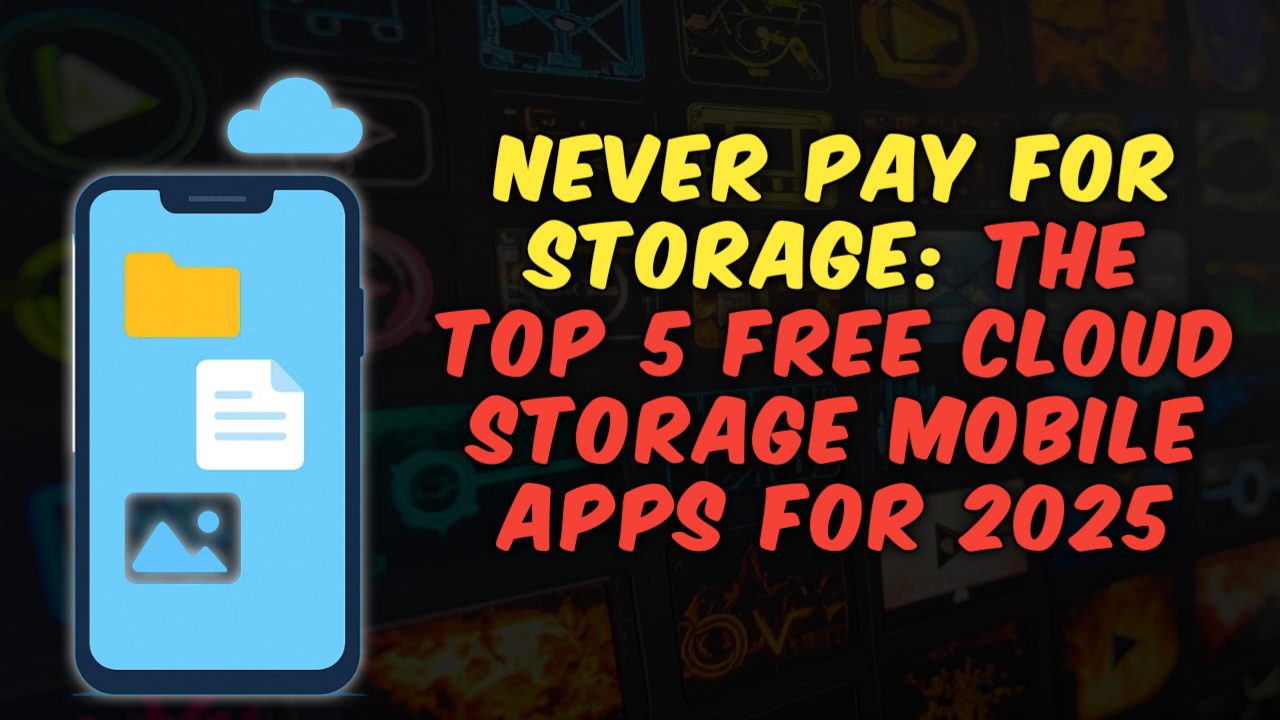
In this social media era you’re someone who love to capture every moment of your life or someone who job is around media or simply influencer then you might have seen that irritating notification in your phone that “your storage is getting filled” or “insufficient storage” when you open your phone to capture something important. Then this article is for you because here I’m going to list some completely free cloud storage apps that are going to help you in solving your insufficient storage issue forever. So let’s begin
One more important thing, I’m not going to tell you use google drive, Microsoft one drive or any famous known inbuilt storage options, Here in this list i only share that are not known in the current market for normal people.
1) pCloud
In our today list here i have placed this storage option in the first on our list because this app will give you 10GB of storage which is sufficient for most of people who love to capture pictures or videos in their daily life and if you want more storage then they have this option called refer a friend and get more 10bg. Which means you can get 20GB storage for free if you refer this app to your fiends or family by sharing special referral link.
One feature which i like the most here is you can sync all your devices seamlessly. For example if you store any image or video in pcloud you can access that file from your pc as well. To use this feature you have to login same pcloud account in all your devices.
If you mistakenly make changes in the files and now you want the previous version of that file, you can get that previous version if the file was edited below 30days, Which is a great option for those who works on client projects.
For business and team work this app has one feature where you can share any file and allow them to work on. With this feature you’re team can work on same file at a time.
Pros
- pCloud offers one time payment for life time access
- pcloud has in built media player, you can preview the file without downloading
- pCloud has very easy and simple user interface
- You can backup all you’re photos videos directly from your social media platforms like Facebook and Instagram
Cons
- For zero knowledge encryption you need to buy subscription which is one time payment
- Free version has limited integration options
2) Mega
Mega is well known cloud storage app but due to their recent controversies their image is not so good in the market but you can use this app for general purposes like simple office file sharing or any non personal data sharing etc.
Mega will give you 20GB of free cloud storage space and if you want more then you can refer a friend by using their referral link you can get more.
The best part of mega is they allow zero knowledge data encryption which means you can encrypt your data on your device and only you can access it. The rest of the features are the same as pCloud which we have discussed in the above one.
Pros
- Mega offers up to 20GB free storage which is sufficient for common peoples
- Mega use end-to-end encryption and zero knowledge privacy to make you’re files more safe and secure
- You can integrate mega with their free app in all devices such as Windows, macOS, Linux, Android and iOS.
Cons
- File download and upload speed in not same, some times you may have to face slow speed in download and upload.
- If you are not actively using the app, Your account might get deactivated after some time.
3) Ice Drive
Ice drive will give you free cloud storage of 10GB up on just simply signup with your Gmail account, The interface is very easy to use and it has all sharing options and plus integrations with other applications to ease your work.
The only downside of this free cloud storage is they don’t provide free zero knowledge encryption on their free plan, you have to buy their subscription for that.
This app is good for those who just want to store their files and easy to access them on the go, then this is one of the best free storage provider you can consider.
Pros
- Here you will get zero knowledge encryption
- On one time affordable payment, here you will get life time subscription.
- You can preview files without downloading them from their inbuilt media player.
Cons
- You may face slow download and upload speed
- Here virtual drive only works on windows
4) Jio Cloud
In the beginning they used to give only 5GB free storage but later they came with some promotional offer, in this offer they are offering up to 100GB free storage. Today in 2025 they are offering up to 50GB free storage.
The best part is they open this 50GB storage offer for all, which means you don’t need to use jio sim or jio phone to avail this offer. We have tested their interface and speed of the service and we have found their speed is very good.
If we are talking about their servers, their servers are located in gujarat in india. This app also have some new AI powered tools as well such as quick photo editing, document scanning, easy share.
Pros
- If you use jio products like their sim card jio tv then you can easily integrate them all with your Jio Cloud storage
- To use jio cloud you don’t need be a jio customer, any one can use their cloud service without any restrictions.
Cons
- Slow download and upload speed
- Need high speed internet connection to work smoothly without lags
5) Proton Drive
If you’re looking for strong privacy then this app may be best choice for you because it has strong privacy, speed and more importantly here you will get zero knowledge encryption which means even their employees are not able to see your data without your password.
One thing i like most about this app is they don’t show any ads while using the app, which is one of the plus point here. The only downside here if they only give 5GB free storage.
If you’re someone who looking for privacy matters a lot, then this option is best choice for you.
Pros
- Strong end to end encryption which means only you can able to see you’re data
- You can protect you’re files with password protection when you share any file with someone and you can revoke the access when you want.
- Super easy and clean interface
Cons
- You can’t preview file from within media player, You need to download the file if you want to preview
- Here you will only get 5GB storage which is very small compare to others
- Here you will get slow sync, upload, download speeds
Some other options you can consider if you want, Given below!
- Filen io: This app is new in the market from Germany, This app also give zero knowledge encryption. i kept this app additional option list because no more data available on this app.
- Box: This app is good for business works, here you will get 10GB free storage but here the file size is only 250 MB which means you cant upload larger files more than 250 MB.
- Koofr: Here you will get 10GB storage but their user interface is not so good, The interface is confusing for any new user
- Rakuten Drive: It has good user interface and here you will get 10GB storage, In the beginning they will only give you 1GB later you have to you can unlock more storage for you.
- MediaFire: Here you will get 10GB storage but the privacy is not up to the mark because of their past controversies.
Also Read This Article: 12 Best Practices Every Email Marketer Should Follow in 2025
Conclusion
Beyond google drive and one drive you can try these above free options, Try today these apps and find out which one is best suitable for you. The best part is they all have free features and easy to use interface.