In this gen z era every one wants to make there videos look unique and special on social media but the thing is most of us don’t know which video editing app is best for us, which has all tools to make our videos stand out in among our friends and family on social media. After reviewing so many video editors i have select 5 among them which has all the new features like latest effects, transitions, overlays and all other important features in them, and it should have easy to navigate interface. So are you ready to know, Lets begin.
1) VN Editor
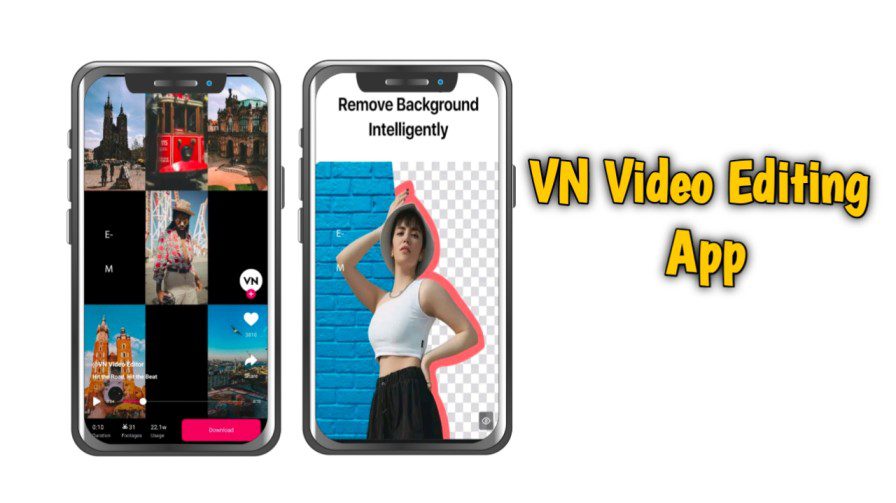
In our today list, i have list this app in first place because this app is completely free and it has no hidden charges or you have to buy any thing in this. This is completely free video editor app and has no water mark on your video, when you export any video to your mobile local storage. This app has all the important features like full time line editing space like any desktop video editors.
In this app you will get speed curves to make your videos feel cinematic look to your videos. This app has all other important options like chroma key to remove the video background, and in its new update they have include auto caption also, You don’t need to write captions in your video manually, when you make education videos then this feature is a time saver for you.
They also have include regional languages also like hindi, telugu, kanada and other languages speak in india to make it more convenient for user. In this app you will get all colour correction features and inbuilt music, you can use it as your background music.
This app is available in both android and IOS.
Pros
- Completely Free to use – You do not need to pay anything in inapp purchase
- Support up to 4k Video quality export
- Has all the features a complete video editor app must has
- No watermark on exported videos
- Include all the texts effects, overlays, Transitions etc
Cons
- Some times app may lag in older version phones
2) Luma Fusion
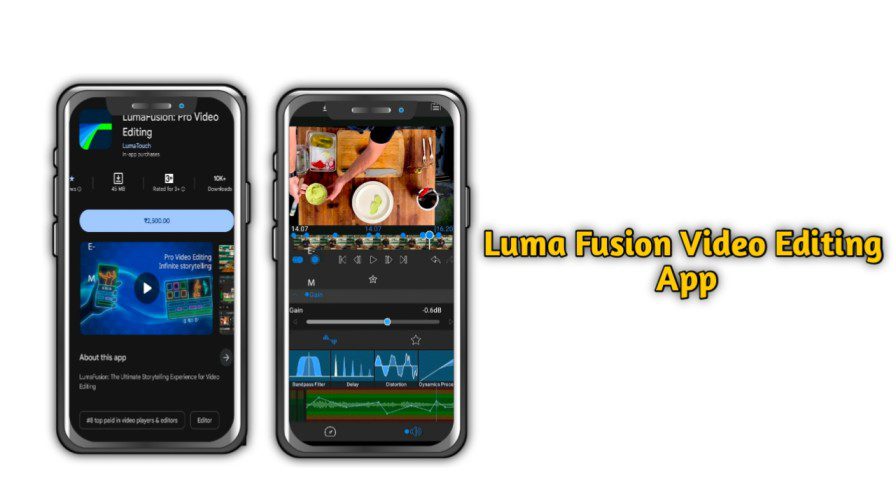
If you have apple phone or ipad and you want to do video editing in it then this app is best app for you, Luma fusion is a professional video editing app for mobile users. This app has very clean and easy interface, you can navigate every tool in it very easily.
This app has multiple video audio editing tracks same like high end desktop supporting softwires like premier pro. You can integrate luma fusion app with your premier pro and continue your work without any issue.
In this app you will get all advanced level tools like key frame animations and even if you want to do motion graphics you can do that as well.
This app is available in both android and IOS.
Pros
- Support up to 4k quality video export
- Has all the basic to advance level features to make your video standout in social media
- No watermark even in the free version
- This app has all other supporting features like inbuilt free audio, text effects and transitions to make your video pop.
Cons
- The only one thing i found little down side of this app is you need to purchase this app for some advanced tools.
- The price would be around 2500 Rupees in india
- This app doesn’t have search filter feature to find some thing like some transition quickly, You have to scroll till you find.
- Some times app may crash during export complex projects.
3) Cap Cut
this app is very popular among all social media influencers and shot video creators. because its auto caption feature is very powerful and very accurate. In this app you can you can remove your video background with just one click and even this app has dozens of effects and transitions so you can make your social media reels effortlessly.
The makers of this app always update its effects time to time according to the latest trends in social media. So if your some who make videos regularly on social media then this app is best choice for you. But if your from india then you might face issues to download this app in india because of Indian government rules on Chinese apps.
Pros
- Support up to 4k quality videos
- Has all the advanced effects and transitions to make your video viral on social media
- This app has watermark on the end of the video but you can easily remove it, So its a best option which on other apps will give
- Best for influencers and shot video creators.
Cons
- Designed for only short form of content only like TikTok or Instagram reels
- Some times you may face difficulty in editing large videos because this app function only in vertical orientation.
- Some features may not work if you have slow internet connection
- This ask you to login to use, which may cause concern to some people.
4) Insta Edits
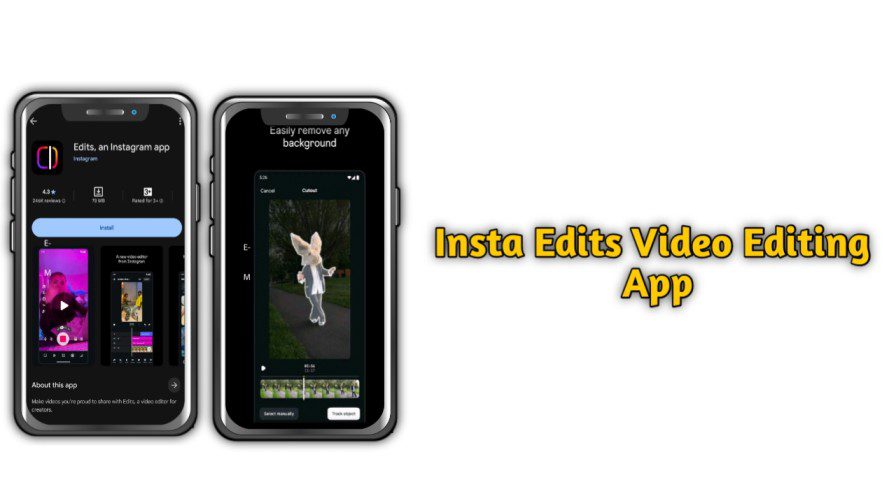
This is a new app in the market, As its name suggest, this app is launched by Instagram. This app has all the new and trading filters, Effects and transitions. The feature of this app which i personally like using is its video background remover, you can remove and replace your video background with its inbuilt fun backgrounds.
Also the best part of this app is this app is very light weight and it supports on all most all the present phones. This app is available on google pay store and iOS store, you can download and use it for free.
This app is available in both android and IOS.
Pros
- Completely free to use, No hidden charges include.
- It has all latest effects like AI background remover and seamless integration with Instagram
- You can use any music and fonts directly from Instagram music library
- It has very easy user interface, even a beginner also can edit his videos without much learning curve
- Auto caption support
Cons
- Limited creative freedom compare to other video editing apps inmarket
- No key framing animation support
- Some times may lag when you export large video file
- No suitable for large video editing
5) Alight Motion
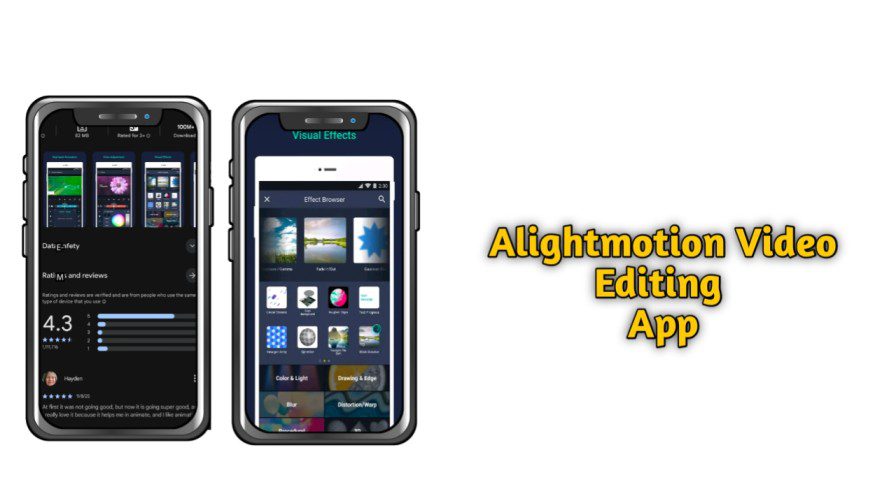
If you want to edit your videos like dhruv rathi, Niteesh rajput and mohak mangal then this app is best choice for you, because this app has all the professional tools like high end video editing apps like after effects and premier pro. This app is like alterative to after effects who want to make such videos in mobile.
In this app you can create vector base smooth animations also you will get so many effects just like after effects. This app supports key framing animation which means you have total control over every frame and you can animate those frames you want.
Also this app supports multiple layer video editing same like after effects, Over all if your looking for alternative for after effects in mobile then this app is for you.
This app is available in both android and IOS.
Pros
- This app works on freemium model which means initially the app is completely free for all basic editing, as you want to use advance tools you have to buy the subscription.
- You can make all professional level video editing like desktop supporting software’s like after effects in mobile with ease.
- Support multi layer option – Which meanes you can work on multiple files like photos audios at a time
- You can make any new animations with the help of vector graphic tools
Cons
- If you want to make high level editing then you have invest time in learning its advance tools
- Include watermark on exported videos, To remove you need to buy subscription.
- On free version ads may disturb you while editing your videos
- App need more resources like space and and new version processor to function smoothly.
Conclusion
These above all editing apps are the best apps for mobile video editing space. If you want to make advance video editing then alight motion is the best option for you and if you want to make videos for you social media then other rest apps are better option. Its you who has to decide here what is your need and which apps suits you better. Happy editing!


2 thoughts on “Best 5 Video Editing Apps To Edit YouTube Videos in 2025”