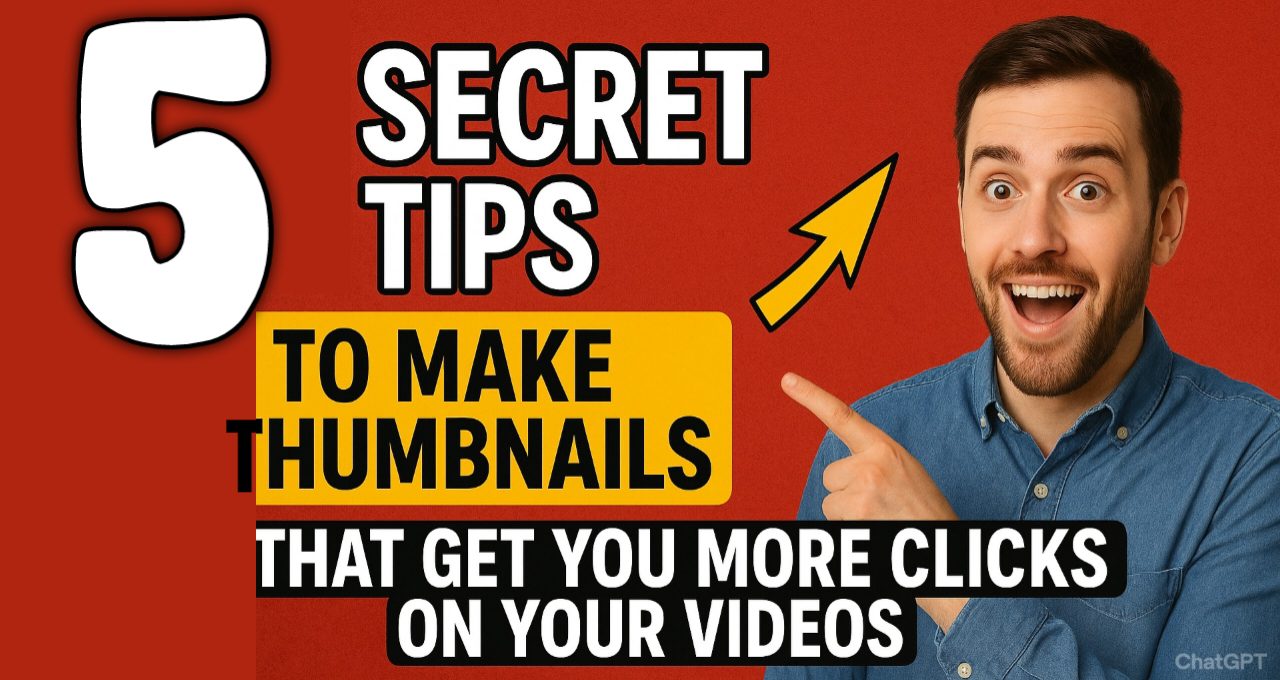
Hi guys welcome back to footage 2 you, Hope you all are doing grate today. So are you struggling to get clicks on your YouTube videos? If yes, then you’re at the right place because today in this article I am going to share with you the secret tips and tricks to make eye-catching thumbnails for your YouTube videos. The tips I am going to share are the same ones used by top YouTubers and I have personally used them to grow my own channel also.
The best part is you don’t need to be a professional designer or use expensive software to make good thumbnails. You can create these thumbnails by using free tools that I will mention. So, if you are ready to boost your click through rate, let’s begin!

1. Always Use Human Face
This is the number one rule in the thumbnail game, and let me tell you, it works like magic. Our brains are naturally wired to look at human faces. A face in the thumbnail creates an instant connection with the person scrolling search results in youtube.
But here’s the secret: It’s not just any face. You have to use a face with a strong, exaggerated emotion like you might have seen on so many videos big creators use there face on thumbnails like for example Mr beast.
- Your face should show shock and surprise with mouth open and eyes wide.
- try to go for a big natural and genuine smile.
- If your video is about solving an issue then make relief face or intense focus.
How to do it
Take one high quality, well lit picture of yourself while recording the video. Don’t just use a random selfie. Make the expression bigger than you normally would. This emotion tells a story before the viewer even reads the title. It makes them curious. “Why this person is so shocked?” or “Why are they so happy?” That curiosity is what gets you the click on your video.
2. Use Bright Color And Contrast
Have you ever noticed how some thumbnails just jump out at you while others fade into the background, That’s the power of using bright color and contrast. You want your thumbnail to be so bright and vibrant that it’s impossible to ignore, even on the small mobile screen.
Here is the simple trick: Always try to use color scheme that clashes with your main background.
Let’s say you are in a park with a lot of green trees behind you. What color should you wear? Red or Orange! These are opposite to green on the color wheel, so they create a natural “pop” and that makes you the clear focal point.
If you are not in the thumbnail try to use bright and bold colors for your text and graphics. A bright yellow text on a dark blue background will be much more readable than white text on a light blue background. The goal is to create a visual that stops the scroll here.
3. The 3 Second Rule
Many people make the mistake of putting long sentences in their thumbnails. Let me tell you, a viewer will not spend more than 2-3 seconds looking at your thumbnail. If they can’t understand it instantly, they will simply scroll away from your video.
Try To Use maximum of 3 To 4 large And bold words.
Think of it as a headline for your headline. It should support the video title and not repeat it.
- Bad Example: “How To Edit Videos For Free Using This Amazing Software” You see this is too long.
- Good Example: “FREE EDITING SECRETS” in a big, bold and easy-to-read font.
Choose a font that is thick and has a strong presence. And always you should avoid thin, fancy fonts that are hard to read for a viewer. Your text should be a supporting actor, not the main star. Its job is to add context to the emotional story your face is already telling.
4. Create Mystery And Curiosity
A thumbnail that tells the whole story of your video is a boring thumbnail. Your goal is not to give answers in the thumbnail but it’s to ask a question in the viewer’s mind. You want to create a “curiosity gap” that can only be filled by watching your video.
How to create this mystery?
- A red circle or a giant arrow pointing to something specific in the thumbnail makes the viewer wonder, “What is that? What am I supposed to be looking at?”
- Show a “bad result next to a “good” result. This is perfect for tutorials, fitness, finance and tech videos. The viewer will think, “I want the good result, how do I get it“
- A picture of you looking confused at a broken item, with a big question mark on your face makes instantly people wonder what the problem is and how it will be solved.
This tip is all about playing with the viewer’s psychology. You are essentially creating a small, visual puzzle that they feel compelled to solve by clicking.
5. Keep It Simple – The KISS Method
This is the most important tip of all. A cluttered thumbnail is a dead thumbnail. When you have too many elements like for example multiple faces, lots of text, several logos, busy backgrounds. Your potential viewer’s eye doesn’t know where to look. This causes confusion, and a confused mind always says “no” and scrolls past.
Your thumbnail should have one, and only one, clear focal point.
Before you finalize your thumbnail, squint your eyes and look at it. Can you still tell what the main subject is? If it becomes a messy blob, it’s too cluttered.
Remove everything that is not absolutely necessary. Is that extra icon adding value? Probably not then delete it. Is that second line of text crucial? Nope, remove it. A clean, simple, and bold thumbnail will almost always beat a complex and busy one.
My Personal Tool Recommendation
You might be thinking you need Photoshop for all this, but let me tell you, you can create professional grade thumbnails using completely free tools. My personal favorite is Canva.
Canva
Canva is a free online design tool that has so many ready made YouTube thumbnail templates. Just open Canva search for “YouTube Thumbnail” and you will see hundreds of templates. Now, you can simply customize one with your picture and text. They have a huge library of free fonts, graphics, and icons also. The best part is you don’t need any design skills. Just drag and drop. It’s that easy.
Another great tool is Photopea, which is a free online version of Photoshop if you want a bit more advanced control.
Conclusion
So these are the five secret tips that will completely transform your YouTube thumbnails. To recap: use an expressive human face, choose popping colors, keep your text big and minimal, create mystery, and always, always keep it simple.
I personally have tested and used each one of these methods on my own videos and the results have been amazing. Your thumbnail is the first impression of your video. Make it count. Start applying these tips today, and watch your click-through rate will shoot up for sure.Cheers!



1 thought on “5 Secret Tips To Make Thumbnails That Get You More Clicks On Your Videos”